Which products does Google show?
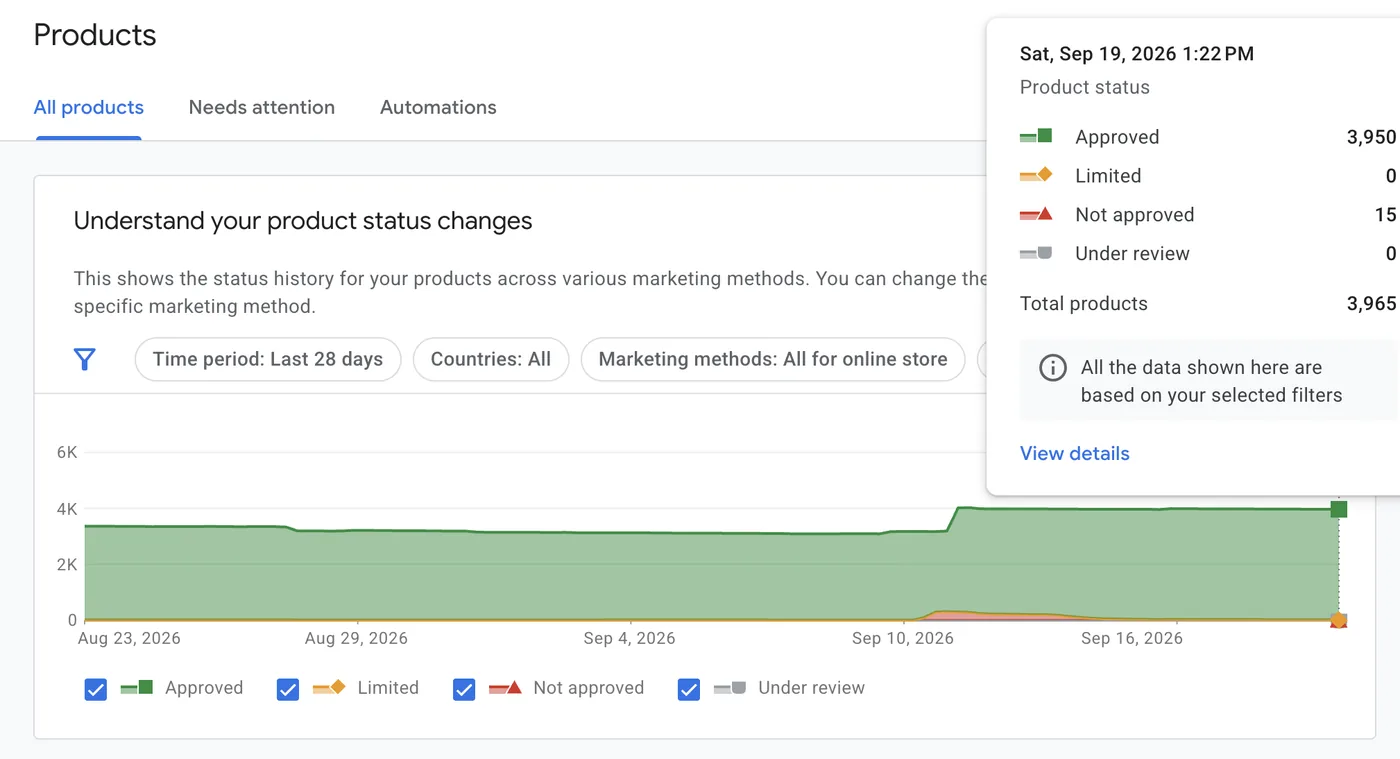
That is the question Merchant Center answers, and it is more useful than it sounds. You might have four hundred products on your website and Google might show three hundred. The other hundred sit in your account with a problem attached, invisible to shoppers and to you, because nothing emails you when a product goes dark.
Merchant Center holds your product data so Google can show it to shoppers. That data is called the feed, and each product in it is an offer. Merchant Center is not an ad platform. You set no budgets and place no bids. You keep the catalogue accurate; other systems spend against it.
Merchant Center is the shelf, not the salesperson. It decides what is in stock and how each item is labelled. Google Ads decides how hard to push each item.
How your products reach shoppers
Three stages, and the same feed drives all of them. Once you see it, you know to fix the feed instead of raising the budget and wondering why nothing moved.
Costs nothing
Free listings on Google surfaces. Approved products qualify automatically.
Bought in Google Ads
Shopping ads and Performance Max run on the same feed, funded by your Google Ads budget.
A campaign can only promote what the feed has made eligible. If a product is missing, out of stock or disapproved, no budget reaches it and no campaign tuning will make it appear. Fixing the feed is often the fastest performance win in a store's account, because it opens up products the campaigns were never allowed to touch.
The four numbers worth reading
The Performance report tracks what Google showed and what shoppers clicked. These are pre-click numbers: they stop at your website's front door. Four answer almost everything.
How much of my catalogue can Google even show?
Approved products, against the number you uploaded. This gates the three below.
380 of 400 approved is fine. 280 of 400 means a quarter of your shop is invisible.Products · DiagnosticsHow often is it being shown?
Impressions: times your listings appeared. Read by product to see what Google favours.
12,000 impressions and 40 clicks: shown and ignored.Performance · by productHow many shoppers came through?
Clicks: shoppers who reached your product page. The handover from Google to your website.
Clicks are where Merchant Center's job ends and your product page's starts.Performance · by productIs the listing doing its job?
CTR: clicks divided by impressions. The honest read on title, photo and price together.
50 clicks from 1,000 impressions is a 5% CTR.Performance · by productThe useful part is the breakdown. Read all four by product, brand and category to turn a vague sense that Shopping is underperforming into a named list of items to fix. A product shown ten thousand times and clicked forty has a problem with its photo, title or price, and none of those live in the campaign.
Feed quality is the ceiling on performance. A great campaign cannot outrun a wrong price or a vague title.
Setting it up
Five steps. The first four cost nothing and fit in an afternoon; the fifth matters only when you pay for reach.
- 1Create the account and claim your website
Sign in at Merchant Center with the Google account that owns your business, enter your store details, then verify and claim your website domain. Claiming links the feed to the site it sells from.
10 min - 2Get your products in
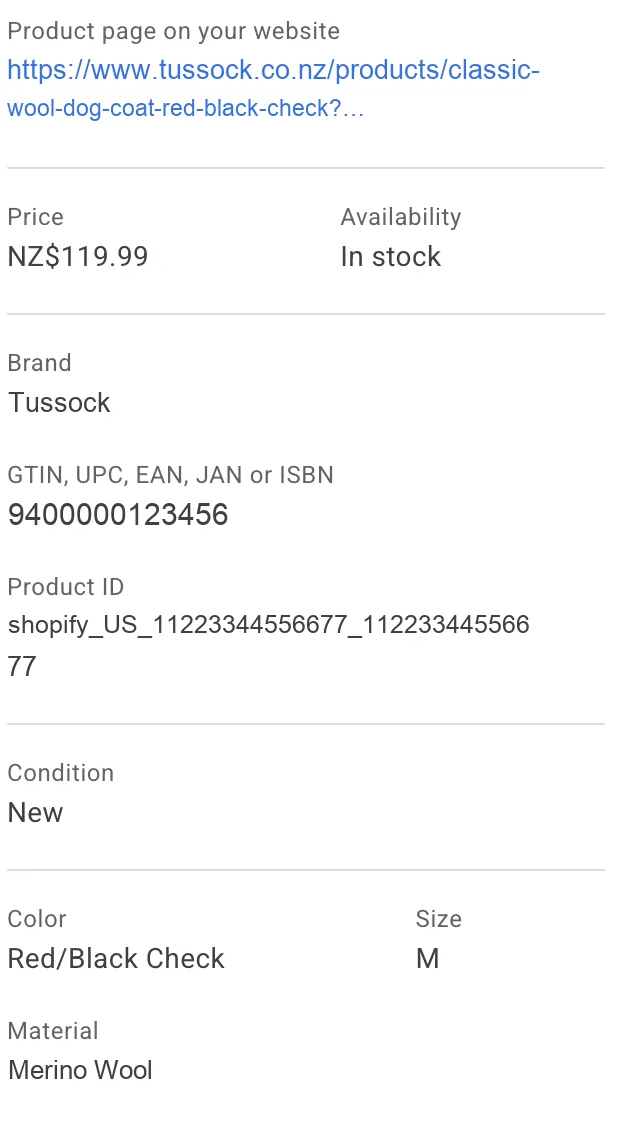
Most stores never build a file by hand: Shopify, WooCommerce and BigCommerce all have an app that pushes the catalogue. A spreadsheet upload or scheduled URL fetch works if you have no app.
15 min - 3Clear the disapprovals
Open Diagnostics and work the list. The first pass is the long one, usually the same three faults repeated: a price that does not match the page, a missing barcode, or an image Google cannot fetch.
20 min - 4Turn on free listings
Under your account's programmes, opt into free listings. It costs nothing, uses the feed you have fixed, and is the only part of Shopping that needs no advertising budget.
2 min - 5Link Google Ads, when you want to pay for reach
Link the two accounts from Merchant Center, then build a Shopping or Performance Max campaign in Google Ads. Do this after step three, never before: promoting a broken feed is the most expensive mistake here.
5 min
Three things beginners misread
The wrong read
"We had 40,000 impressions, so 40,000 people saw our products."
The right read
"Our listings appeared 40,000 times. One shopper scrolling can account for a dozen."
Misread one
Impressions are not shoppers
An impression counts a listing being shown, not a person seeing it. One shopper comparing prices generates an impression for every product of yours on the page, and the same product on three searches counts three times.
Impressions are the denominator of your CTR. A product in wide, vague searches shows a low CTR and looks broken when it is simply matched to the wrong shoppers, a title and category problem, not a photo problem.
The wrong read
"Shopping traffic fell off a cliff last Tuesday. The campaign must have broken."
The right read
"Sixty products were disapproved after a price update. The campaign is fine; it has nothing left to sell."
Misread two
A disapproval is silent
When Google disapproves a product, nothing interrupts you. The item stops being eligible, your campaign redistributes its budget to what is left, and the only symptom is a number falling elsewhere.
So Diagnostics is the first screen to open, before the Performance report and long before the campaign. A sudden drop in Shopping traffic is a feed question until proven otherwise.
The wrong read
"The sale price is in the feed, so shoppers will see $79."
The right read
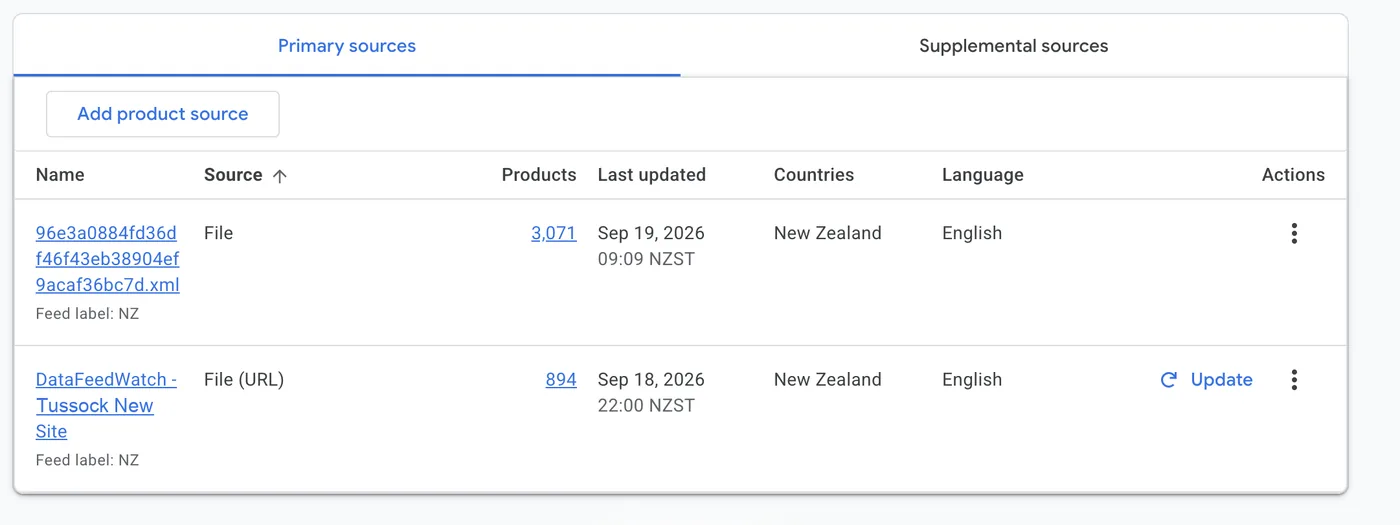
"The feed says $79 and the page says $99, so Google disapproved the item rather than show either."
Misread three
The feed price and the page price must match
Google checks the feed price against the landing page, and a mismatch is a disapproval, not a warning. Currency counts, tax display counts, and so does timing: a sale that starts on your website at midnight but reaches the feed at the next fetch leaves a window where every discounted product is in breach.
Stores with frequent promotions get bitten most, an argument for an app or automated fetch over a manual file. Stock works the same way: an item sold out an hour ago is still in_stock to Google until the feed catches up.
In Clearly
Merchant Center connects to Clearly today. Add it as a source and your report gets a Products page: what each product costs in ads, what it earns on the site, and whether Google is showing it. You can connect it alongside Google Analytics, Search Console, Google Ads, Meta Ads, LinkedIn Ads and your own Google Sheets. Our integrations page states the current position for every source and is updated the day anything changes.
Merchant Center alone tells you which products got attention. Google Ads alone tells you where the money went. Side by side in one report, they answer what neither can: are the products getting attention the same ones getting budget? A high-CTR product with almost no spend, or a heavily funded one shoppers scroll past, is a decision you can act on in an afternoon, and invisible while the data sits in separate tabs.
Keep this one
Feed attribute cheat sheet
| Attribute | What it is | Why it matters |
|---|---|---|
id | Unique ID, usually your SKU | Keeps history stable; changing it resets a product's data |
title | The product name shoppers see | Matched to searches; a clear title drives impressions and CTR |
price | Selling price with currency | Must match the landing page or the item is disapproved |
availability | In stock, out of stock, or backorder | Out-of-stock items stop showing; stale values waste eligibility |
image_link | URL of the main product image | The image is the listing; a poor one sinks CTR |
gtin | Barcode (global trade item number) | Lets Google identify the exact product |
google_product_category | Category from Google's taxonomy | Improves matching; enables category reporting |
brand | The product's brand name | Powers the brand breakdown in the Performance report |
Common questions
Do I need Google Ads to use Merchant Center?
No. Free listings need only an approved feed and cost nothing per click. You need Google Ads only for Shopping ads and Performance Max, which buy extra reach against the same feed. Plenty of small stores run free listings alone for months first.
Why was my product disapproved?
Three faults cover most: the feed price does not match the landing page, the item has no barcode where Google expects one, or the image URL cannot be fetched. Diagnostics names the reason per product. Fix the cause in your store, not in the feed by hand, or the next automatic update will undo your work.
Is it Merchant Center or Merchant Centre?
Same product. Google's UK and New Zealand locales spell it "Centre" and the US spells it "Center". This guide uses the US spelling because most people search for it; you will see both inside Google's interfaces.
How often does the feed update?
A scheduled fetch runs once a day by default, fine for a stable catalogue and dangerous during a sale. A store app usually pushes changes far more often, and the Content API is close to immediate. If prices or stock move during the day, the gap between your website and feed is where disapprovals come from.
Can I see revenue in Merchant Center?
No. Merchant Center stops at the click. Revenue and conversion rate live in Google Analytics and Google Ads, which is why reading them together matters. Merchant Center answers "which products did Google show, and did shoppers click", the half the sales reports cannot see.
Where to go next
Open Merchant Center and read Diagnostics first, because an approved catalogue gates every number below it. Then read the Performance report by product, sorted by impressions, and look down the CTR column for items Google shows and shoppers ignore. Those are your titles and photos, and fixing them costs only attention.
The series
All nine Platform 101s, in setup order
What each platform does, what it costs, how to set it up, and what its numbers mean.